

The extracted containing your MT6761_Android_scatter.txt file.
Complete Guide to MT6761 Scatter Files: Download, Create, and Flash
This means the SP Flash Tool cannot parse the file format. Try updating to the newest version of SP Flash Tool, or check the scatter file text to ensure it hasn't been corrupted.
A is a text document that acts as a blueprint for your smartphone’s storage . For devices powered by the MediaTek MT6761 chipset (also known as Helio A22 ), this file is critical. It tells flashing tools like SP Flash Tool exactly where to write specific partition images (like boot.img , recovery.img , or system.img ) inside the phone's internal memory.
partition_index: SYS1 partition_name: pgpt file_name: N/A is_download: false type: NORMAL linear_start_addr: 0x0 physical_start_addr: 0x0 partition_size: 0x80000 region: EMMC_USER mt6761 scatter file
The formatting process takes less than two seconds. Once done, the FRP lock will be wiped cleanly. Troubleshooting Common Errors
If you are trying to fix a specific issue like a or a forgotten password , I can guide you through which specific partitions you need to flash. Would you like a step-by-step on using the file with SP Flash Tool ?
Open the software directory and run flash_tool.exe as an administrator.
Open your MTK Auth Bypass tool on the PC. Click Bypass or Disable Auth . Turn off your smartphone completely. Hold the Volume Up and Volume Down buttons simultaneously, then connect the USB cable to the PC. The bypass tool will detect the device and print a "Success" message, putting the phone into a vulnerable state ready for flashing. The extracted containing your MT6761_Android_scatter
Remember: patience, the exact file, and the right version of SP Flash Tool are your greatest allies. With this guide, you now possess the knowledge to harness the MT6761 scatter file responsibly – and resurrect or customize any MT6761-based Android device.
- partition_index: 30 partition_name: userdata file_name: userdata.img is_download: true type: EXT4_IMG linear_start_addr: 0x4a640000 physical_start_addr: 0x4a640000 partition_size: 0xFFFFFFFFFF region: EMMC_USER
If your phone is stuck in a boot loop or won't turn on (black screen), flashing the official scatter file and firmware can restore it to factory settings.
# General Setting general: MTK_PLATFORM_CFG info: - config_version: V1.1.2 - platform: MT6761 - project: MT6761_Android_scatter - storage: EMMC - boot_channel: MSDC_0 - block_size: 0x20000 A is a text document that acts as
You can use the file to safely isolate and overwrite the stock recovery partition with TWRP or OrangeFox.
"partitions": [
What are you trying to fix (e.g., bootloop, FRP lock, custom recovery)?
October 26, 2023 Subject: Structural Analysis and Usage of MT6761 Scatter File Platform: MediaTek MT6761 (Helio A22)
The extracted containing your MT6761_Android_scatter.txt file.
Complete Guide to MT6761 Scatter Files: Download, Create, and Flash
This means the SP Flash Tool cannot parse the file format. Try updating to the newest version of SP Flash Tool, or check the scatter file text to ensure it hasn't been corrupted.
A is a text document that acts as a blueprint for your smartphone’s storage . For devices powered by the MediaTek MT6761 chipset (also known as Helio A22 ), this file is critical. It tells flashing tools like SP Flash Tool exactly where to write specific partition images (like boot.img , recovery.img , or system.img ) inside the phone's internal memory.
partition_index: SYS1 partition_name: pgpt file_name: N/A is_download: false type: NORMAL linear_start_addr: 0x0 physical_start_addr: 0x0 partition_size: 0x80000 region: EMMC_USER
The formatting process takes less than two seconds. Once done, the FRP lock will be wiped cleanly. Troubleshooting Common Errors
If you are trying to fix a specific issue like a or a forgotten password , I can guide you through which specific partitions you need to flash. Would you like a step-by-step on using the file with SP Flash Tool ?
Open the software directory and run flash_tool.exe as an administrator.
Open your MTK Auth Bypass tool on the PC. Click Bypass or Disable Auth . Turn off your smartphone completely. Hold the Volume Up and Volume Down buttons simultaneously, then connect the USB cable to the PC. The bypass tool will detect the device and print a "Success" message, putting the phone into a vulnerable state ready for flashing.
Remember: patience, the exact file, and the right version of SP Flash Tool are your greatest allies. With this guide, you now possess the knowledge to harness the MT6761 scatter file responsibly – and resurrect or customize any MT6761-based Android device.
- partition_index: 30 partition_name: userdata file_name: userdata.img is_download: true type: EXT4_IMG linear_start_addr: 0x4a640000 physical_start_addr: 0x4a640000 partition_size: 0xFFFFFFFFFF region: EMMC_USER
If your phone is stuck in a boot loop or won't turn on (black screen), flashing the official scatter file and firmware can restore it to factory settings.
# General Setting general: MTK_PLATFORM_CFG info: - config_version: V1.1.2 - platform: MT6761 - project: MT6761_Android_scatter - storage: EMMC - boot_channel: MSDC_0 - block_size: 0x20000
You can use the file to safely isolate and overwrite the stock recovery partition with TWRP or OrangeFox.
"partitions": [
What are you trying to fix (e.g., bootloop, FRP lock, custom recovery)?
October 26, 2023 Subject: Structural Analysis and Usage of MT6761 Scatter File Platform: MediaTek MT6761 (Helio A22)
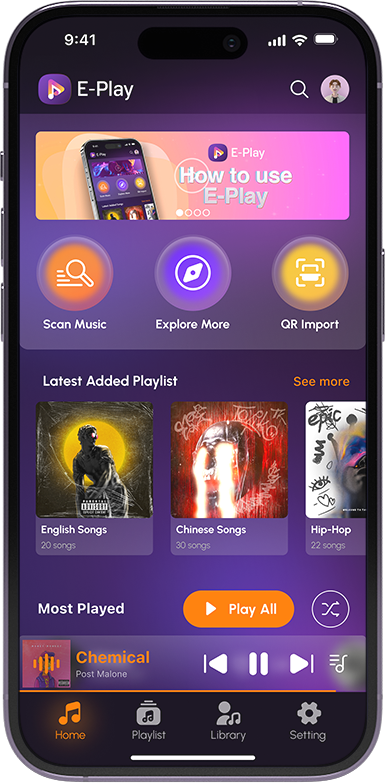
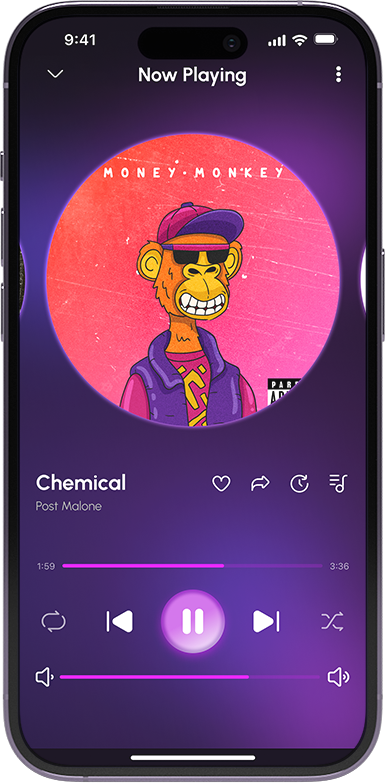
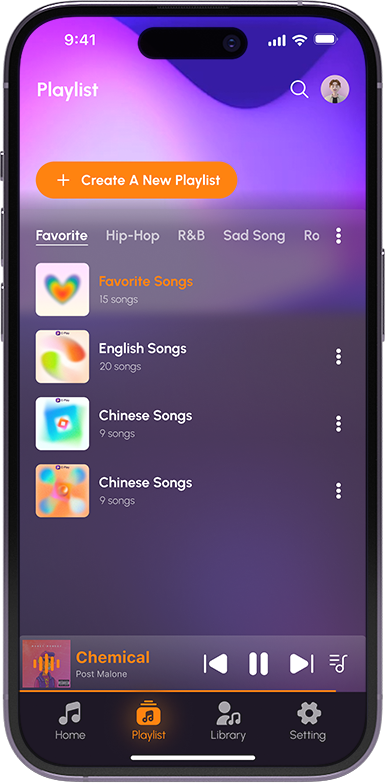
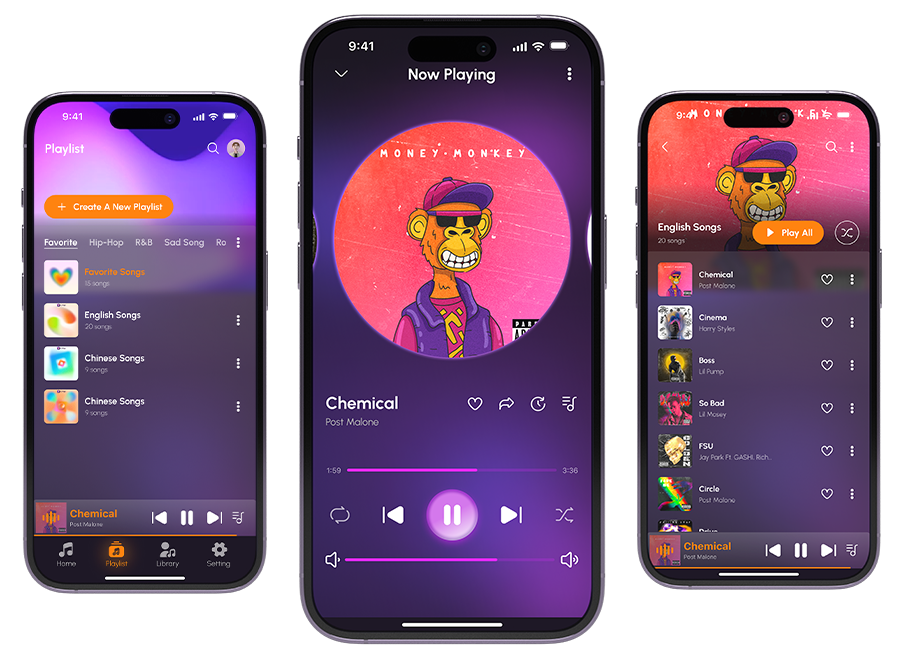
E-play is probably your best bet for playing music not stored on your phone, but also not streaming like Spotify. You set up your Plex server at home and then use this app to stream music from your computer to your phone.
E-Play is a top music sharing platform
which is free to download and import
from local devices around the world.
Developed by Web Zipper Co., Ltd.


Evergreen Fjord © 2026